
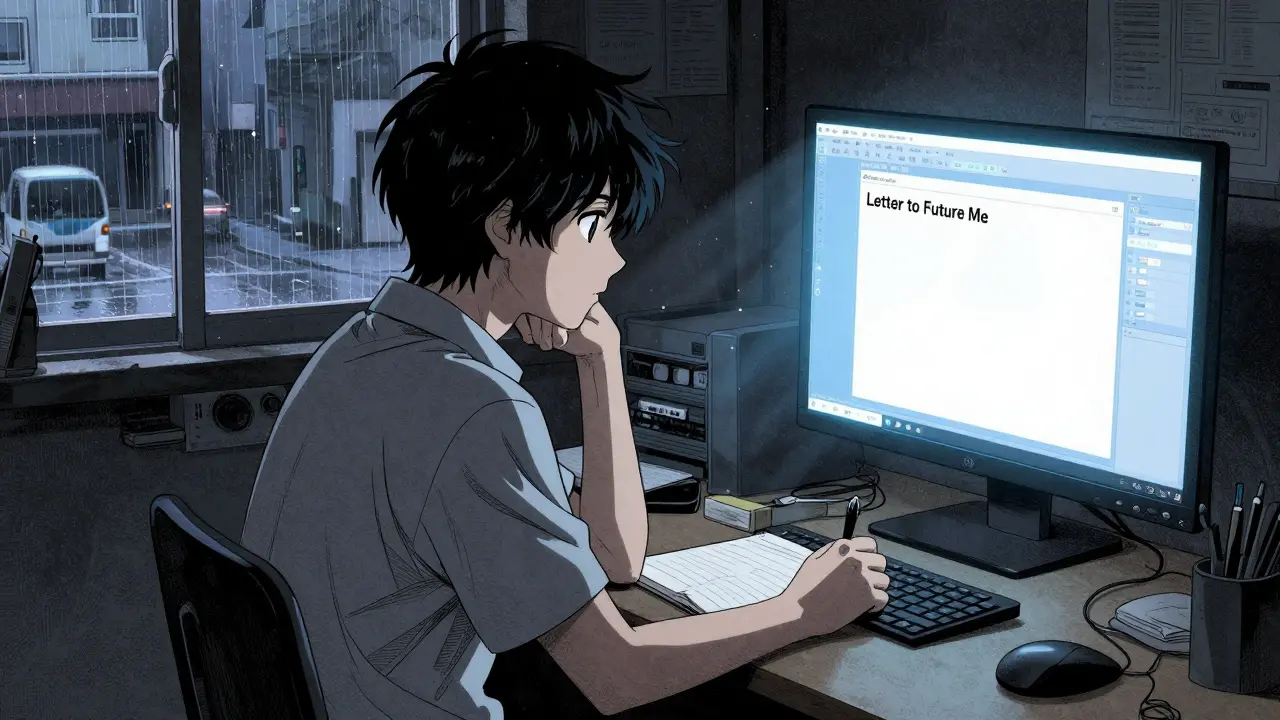
Imagine opening an email on a Tuesday morning in 2031. The sender is you. The subject line is something simple like "Remember this?" Inside is a message written five years ago-capturing your hopes, fears, and the exact flavor of life at that moment. It’s not a fortune cookie prediction; it’s a time capsule.
Writing to your future self sounds romantic, but most people never follow through. Why? Because the old methods are broken. A physical letter tucked under a mattress gets lost when you move. A scheduled email service might shut down, change its terms, or simply forget to deliver. You need a way to send a letter to your future self that guarantees delivery, no matter what happens to the technology or the company hosting it.
Why Your Old Methods Fail Over Time
We’ve all tried to set reminders for ourselves. Maybe you used a calendar app to nudge yourself about a goal, or perhaps you wrote a note on paper and put it in a drawer. These methods work for weeks, maybe months. They fail over years.
Physical letters degrade. Paper yellows, ink fades, and boxes get tossed out during cleanups. Digital solutions have their own fragility. If you use a standard email client to schedule a message, you are trusting that specific company to stay in business for a decade. You’re also trusting that they won’t accidentally delete your data due to a server error or a policy change. In the world of tech, nothing lasts forever unless it’s built differently.
This is where the concept of a digital vault comes into play. Unlike a standard cloud folder, a true digital vault is designed for permanence and privacy. It treats your message not as temporary data, but as an asset that must survive the test of time.
The Mechanics of a Reliable Future Message
To ensure a letter actually arrives years from now, you need two things: encryption that protects the content today, and infrastructure that stores it forever. This is exactly how Vaulternal works. It isn’t just another messaging app; it’s a secure storage system built on decentralized networks.
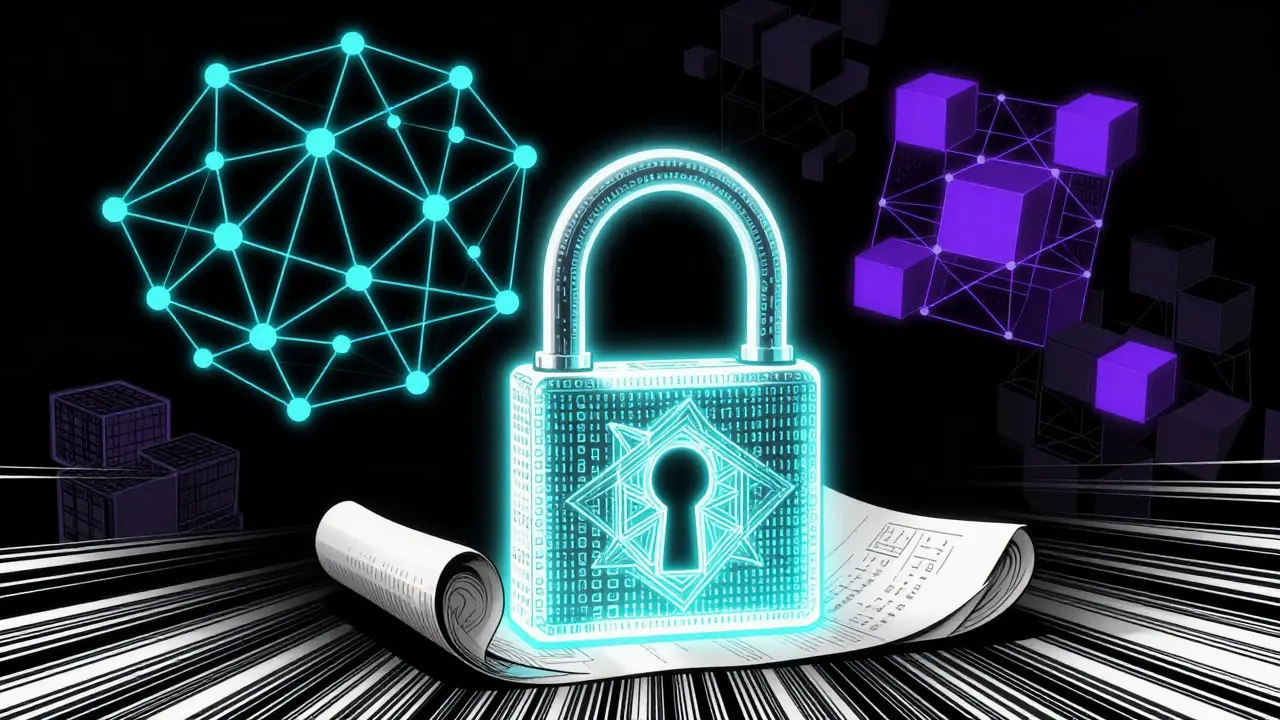
When you write a message on Vaulternal, it doesn’t go straight to a central server. First, it gets encrypted right on your device using AES-256-GCM encryption. This means even if someone hacked the servers, they would only see scrambled gibberish. Only you hold the key to unlock it. This is called zero-knowledge architecture-the company literally cannot read your words.
Once encrypted, the file is split into chunks and uploaded to a distributed network. Specifically, Vaulternal uses Arweave for permanent storage and IPFS for peer-to-peer distribution. Metadata is anchored on the Polygon blockchain. This setup ensures that your letter doesn’t rely on a single corporate hard drive. Even if the original company ceased operations tomorrow, the data remains accessible on these public, decentralized ledgers.
You can learn more about the technical details on the architecture page, but the practical takeaway is simple: your message is safe from deletion, corruption, or loss.
How to Write a Letter That Actually Matters
Now that you know the logistics are handled, let’s talk about the content. Writing to your future self isn’t about predicting lottery numbers. It’s about capturing context. When you look back five or ten years later, you won’t remember the small details-the stress of a specific project, the joy of a random weekend, or why you were so worried about a particular decision.
Here is a framework to make your letter valuable:
- Set the Scene: Describe your current environment. What music are you listening to? What does your apartment look like? These sensory details ground the reader (your future self) in the moment.
- State Your Current Beliefs: What do you think is true about the world right now? What are your biggest assumptions? Future-you will likely laugh at some of these, which is the point.
- Identify Your Struggles: What keeps you up at night? Is it money, relationships, career direction? Knowing what stressed you out then helps you appreciate how far you’ve come.
- Make a Prediction: Not a magical one, but a logical guess. Where do you think you’ll live? Who will be in your life?
Be honest. No one else will read this. If you sugarcoat your feelings, the letter loses its power. The goal is to create a mirror that reflects who you were, so you can see clearly who you’ve become.
Scheduling Delivery with Precision
Once the letter is written and stored, you need to decide when it unlocks. This is where the access trigger system comes in. While Vaulternal offers various triggers, for a future-self letter, you want the time-based trigger.
You choose a specific date. Maybe it’s your birthday three years from now. Maybe it’s the anniversary of a major life event. Or maybe it’s just a random Tuesday in 2030 because you felt like it.
The beauty of this system is flexibility. If you change your mind before the delivery date, you can update the message. Life happens. You might write a letter today feeling optimistic, but six months later, you realize you want to add a caveat. With Vaulternal, you can edit the content until the clock strikes midnight on the delivery day. Once that date passes, the lock opens, and the message is delivered to you.
To start this process, you can schedule a letter with Vaulternal. The interface is straightforward: write, encrypt, set the date, and save. No complex coding required.

Cost and Accessibility
You don’t need a massive budget to secure your thoughts for the future. Vaulternal offers a Free plan that includes 2 GB of storage at no cost. For a text-based letter, this is more than enough space. If you plan to include photos or videos alongside your letter, you might eventually hit that limit.
In that case, the Starter plan ($8.33/month billed annually) or Pro plan ($15/month billed annually) provides unlimited storage. But for a simple, heartfelt letter to your future self, the free tier handles the job perfectly. There’s no credit card required to get started, so there’s zero risk in trying it out.
Maintaining the Habit
One letter is nice. A series is powerful. Consider setting a recurring reminder to write to yourself every year on the same date. Send a new letter to open in one year, another to open in five, and another in ten.
Over time, you build a timeline of your own evolution. You start to see patterns in your thinking. You notice which worries vanished and which dreams persisted. This practice fosters self-awareness and gratitude. It turns abstract time into tangible milestones.
Don’t wait for a special occasion. Today is as good a day as any to capture who you are. The technology exists to keep it safe. The only thing missing is your voice.
Can I edit my letter after I've scheduled it?
Yes. Until the delivery date arrives, you can log in and update the content of your message. This allows you to refine your thoughts or add new information as circumstances change.
Is my letter private from Vaulternal?
Absolutely. Vaulternal uses zero-knowledge architecture with client-side AES-256 encryption. Your message is encrypted on your device before it ever reaches their servers, meaning Vaulternal cannot read or access your content.
What happens if Vaulternal goes out of business?
Your data remains safe. Vaulternal stores files on decentralized networks like Arweave and IPFS. These are permanent, distributed storage systems that do not rely on a single company to remain operational. Your letter is anchored on-chain, ensuring longevity regardless of the company's status.
Do I need to pay to send a letter to my future self?
No. The Free plan includes 2 GB of storage, which is sufficient for text-based letters. You can sign up without a credit card and start scheduling messages immediately.
Can I attach photos or videos to my letter?
Yes. You can attach files to your message. However, large media files consume more storage space. If you exceed the 2 GB limit on the Free plan, you may need to upgrade to a paid plan for unlimited storage.