

Imagine this: you wake up one morning, open your crypto wallet, and your entire balance is gone. No warning. No transaction history. Just empty. You didn’t get hacked. You didn’t click a bad link. You didn’t lose your phone. So what happened? The answer might be simpler - and scarier - than you think: your wallet never had end-to-end encryption.
End-to-end encryption (E2EE) isn’t just a buzzword. It’s the difference between keeping your crypto locked in a vault only you can open… and leaving it on a public shelf where anyone with access to the server can walk away with it. If you’re using a crypto wallet and don’t understand E2EE, you’re not just at risk - you’re already playing with fire.
How E2EE Works in Crypto Wallets
Think of end-to-end encryption like a sealed letter that only you and the person you’re sending it to can open. Even if someone intercepts the letter on its way, they can’t read it. The same principle applies to your crypto wallet.
When you create a wallet with E2EE, your private key - the one thing that gives you control over your crypto - is generated only on your device. No server. No cloud. No third party. That key is then encrypted using a password you set. This encryption uses a key derivation function (KDF), like PBKDF2 or Argon2, which turns your password into a strong, unique encryption key. Even if someone gets your phone or backup file, they can’t unlock it without your password.
Here’s how it breaks down:
- Local key generation: Your private key is created on your device - never sent anywhere.
- Local encryption: The key is encrypted using your password. The encrypted version is what gets stored.
- Secure storage: This encrypted data can be saved on your phone, synced to iCloud or Google Drive, or backed up to a USB drive. It doesn’t matter where - it’s still unreadable without your password.
- Local decryption: When you open the wallet, you enter your password. The decryption happens on your device. Nothing is sent to a server. Not even your private key.
This is the core of E2EE: no one else can ever see your private key. Not the wallet company. Not your cloud provider. Not hackers. Not even government agencies.
Why E2EE Beats Custodial Wallets
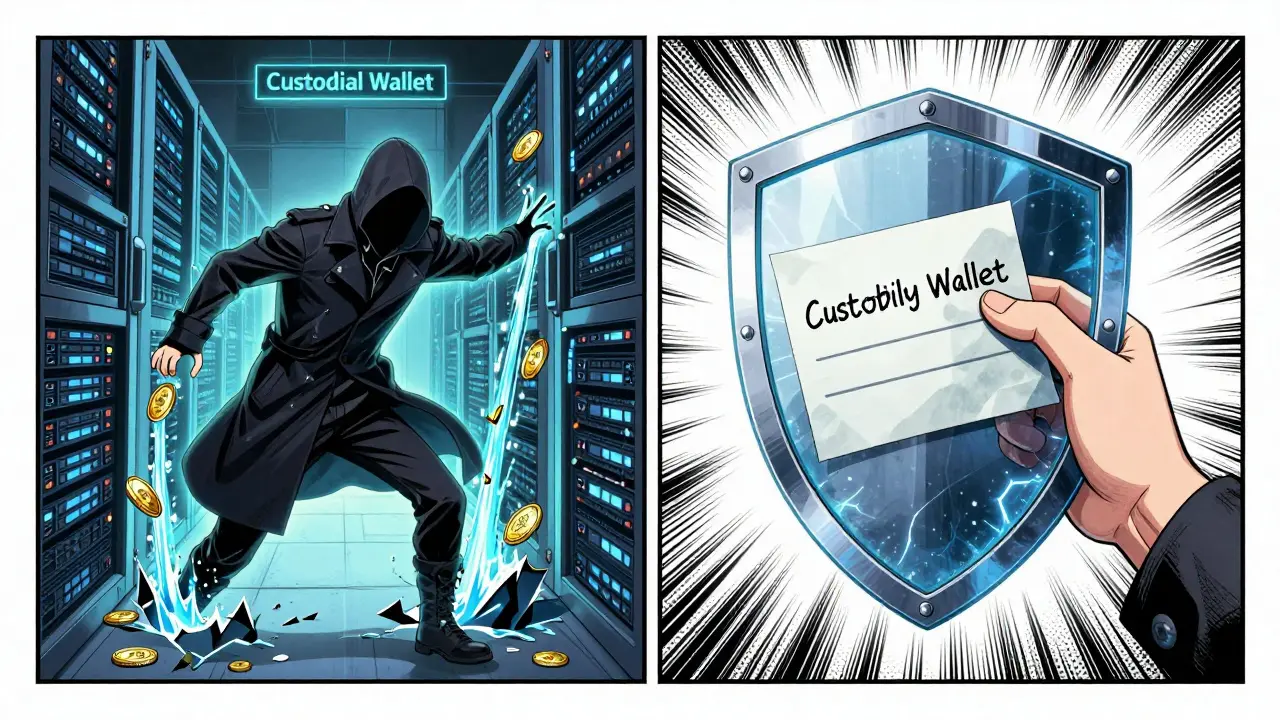
Most people start with exchange wallets - Coinbase, Binance, Kraken. These are called custodial wallets. The exchange holds your private keys. You’re trusting them to keep your money safe. But here’s the problem: if their servers get breached, everyone’s money is at risk.
In 2022, a major exchange lost over $500 million in crypto because a hacker accessed their hot wallet system. Thousands of users lost funds. Why? Because the exchange held the keys. They were the single point of failure.
E2EE wallets are non-custodial. That means you hold the keys. No one else has access. Even if the wallet app’s servers are taken down tomorrow, your crypto is still safe - as long as you have your recovery phrase and password.
Here’s the trade-off: with custodial wallets, if you forget your password, the company can reset it. With E2EE wallets, if you lose your password or recovery phrase, your crypto is gone forever. There’s no customer service to help. No recovery hotline. Just silence.
Real-World Examples of E2EE Wallets
You don’t have to guess which wallets use E2EE. The big names already do:
- MetaMask: Uses E2EE to encrypt your private key locally. Your seed phrase is never uploaded.
- Trust Wallet: All data is encrypted on-device. Backups are stored in encrypted form on cloud services.
- Exodus: Encrypts wallet data with your password. Even their team can’t access your keys.
- Ledger and Trezor: Hardware wallets that generate keys offline. E2EE is built into the chip.
These wallets don’t just claim to use E2EE - they prove it. Their open-source code lets anyone verify that private keys never leave your device. That’s transparency. That’s trust.
Compare that to wallets that say, “We store your keys securely on our servers.” That’s not security. That’s convenience. And convenience is what gets people hacked.
What Happens Without E2EE?
Let’s say you use a wallet that doesn’t use E2EE. Your private key is stored on their server - maybe even in plain text. What could go wrong?
- A hacker steals the company’s database. Your keys are exposed.
- An employee sells your data on the dark web.
- The company gets bought by a new owner who changes their security policy.
- A government demands access to user data.
Each of these has happened. In 2021, a wallet provider was found to be storing unencrypted private keys on AWS S3 buckets. Over 20,000 users lost funds. The company didn’t get hacked. They just didn’t encrypt anything.
E2EE doesn’t prevent every attack - but it makes the most common ones impossible. If your data is encrypted end-to-end, stealing the server does nothing. The hacker gets a bunch of unreadable garbage.
How to Check If Your Wallet Uses E2EE
Not all wallets are honest. Some say they’re “secure” but still store your keys. Here’s how to tell for sure:
- Look for seed phrase recovery: If the wallet asks you to write down a 12- or 24-word recovery phrase during setup, that’s a sign of E2EE. Custodial wallets rarely do this.
- Check the privacy policy: Does it say “We store your private keys”? If yes, walk away. If it says “Your keys are encrypted on your device,” you’re good.
- Try to reset your password: Can you reset it without your recovery phrase? If yes, they have access to your keys. If you need the phrase to recover access, you’re using E2EE.
- Search for audits: Look up the wallet name + “security audit.” Reputable wallets publish third-party audit reports.
One quick test: if you uninstall the app and reinstall it, do you need your recovery phrase to get your funds back? If yes - perfect. That’s E2EE working.
What You Must Do to Stay Safe
E2EE is powerful - but it only works if you handle your keys right. Here’s what you need to do:
- Write down your recovery phrase on paper. Not in a note app. Not on a cloud drive. On paper. Store it in a fireproof safe.
- Never share your password. Not with your spouse, not with your tech-savvy friend, not even with the wallet’s support team. Ever.
- Use a hardware wallet for large amounts. It adds a physical layer of security. Even if your phone is hacked, your keys stay offline.
- Test your backup. Once a year, try restoring your wallet on a different device using your recovery phrase. If it works, you’re safe. If it doesn’t - you’ve got a problem.
Most people who lose crypto don’t get hacked. They just forget their password. Or lose their paper. Or type the wrong phrase. E2EE doesn’t fix human error. But it does stop the rest.
The Future of E2EE in Crypto Wallets
Walls are getting smarter. New wallets are starting to use threshold cryptography and multi-party computation (MPC). These technologies split your private key into pieces - so no single device holds the full key. You need 3 out of 5 devices to sign a transaction. It’s like having 5 locks on a safe - you need 3 keys to open it.
Some wallets now offer social recovery: you pick 3 trusted friends. If you lose your password, they help you recover it - without ever seeing your private key. It’s E2EE with a safety net.
But none of this matters if you ignore the basics. No matter how fancy the tech gets, if you leave your recovery phrase on your desk next to your coffee mug - you’re still at risk.
Does end-to-end encryption mean my crypto is completely safe?
No. E2EE protects your private key from being stolen during storage or transmission. But it doesn’t protect you from giving your recovery phrase to a scammer, installing malware on your phone, or sending crypto to the wrong address. E2EE is one layer - not the whole wall.
Can I use E2EE wallets on multiple devices?
Yes, but only if you use your recovery phrase. E2EE wallets sync encrypted data between devices, but you still need to enter your password on each one. The recovery phrase is your master key. Use it to restore access, not to log in.
What’s the difference between encryption and end-to-end encryption?
Regular encryption might protect data between your device and a server. But if the server holds the decryption key, they can still see your data. E2EE means only you have the key. No server, no third party, no exception.
Are all non-custodial wallets E2EE?
Most are, but not all. Some wallets claim to be non-custodial but still store encrypted keys on their servers. Always check if your recovery phrase is the only way to restore access. If the wallet offers a password reset, skip it.
Do I need to pay for an E2EE wallet?
No. The best E2EE wallets - like MetaMask, Trust Wallet, and Ledger Live - are free. Paid wallets usually offer extra features like portfolio tracking or advanced security tools, but encryption itself is standard. Don’t pay for something you should get for free.
If you’re serious about keeping your crypto safe, E2EE isn’t optional. It’s the minimum. The rest - hardware wallets, multi-sig, social recovery - are upgrades. But if you skip E2EE, you’re already one click away from disaster.
18 Responses
E2EE isn't optional it's the floor not the ceiling. If your wallet doesn't do this you're not storing crypto you're storing regret. Write down your phrase. On paper. Not in notes. Not in the cloud. On paper. And burn the copy after you test it. That's how you win.
Honestly? I switched to MetaMask after my Coinbase got drained. Not because I'm techy. Just because I don't trust anyone else with my keys. E2EE = no one else can touch it. Even if the company dies tomorrow. Your money lives. That's peace of mind.
Look. Everyone's throwing around E2EE like it's some magical shield. But let's be real. If you're using a mobile wallet on a phone that auto-backs up to iCloud? You're not secure. You're just delusional. The encryption is useless if the backup is unencrypted. And yes I'm talking to you, Trust Wallet users who think cloud sync = safety. It's not. It's a liability wrapped in a pretty UI.
I get why people use custodial wallets. It's easier. You forget your password? They help. You lose your phone? They restore it. But that's like asking your neighbor to hold your house key because you might misplace it. Sure it's convenient. But then someone breaks into your neighbor's house. And now your whole life is exposed. E2EE is hard. But it's the only way to really own your stuff.
So you're saying if I use a wallet that doesn't have E2EE I'm stupid? What about all the people who lost money in 2022 because their hardware wallet firmware was compromised? Or because they used a fake app? E2EE doesn't fix bad habits. It just moves the failure point.
I love how this post breaks it down. So many people think 'secure wallet' means 'no hackers'. No. It means 'no single point of failure'. That's why E2EE matters. Not because it's trendy. Because it changes the entire risk model. From 'trust the company' to 'trust yourself'. And that's worth the effort.
The notion that end-to-end encryption is somehow a panacea for crypto security is not merely misguided-it is a dangerous oversimplification of a complex cryptographic ecosystem. One must consider the entire threat surface: side-channel attacks, firmware vulnerabilities, social engineering, and the fundamental human tendency toward complacency. Encryption is not a state; it is a process. And most users are not equipped to engage in that process with rigor.
I used to think E2EE was overkill. Then I saw a friend lose $80k because their wallet app got compromised. Their password was 'crypto123'. Their backup was on Google Drive. They thought they were safe because the app said 'encrypted'. Turns out encrypted ≠ end-to-end. Now I use Ledger. And I laugh at people who still use phone wallets. Not because I'm smug. Just because I'm alive.
I understand the fear. But let’s not pretend E2EE is the only solution. What about hardware wallets? What about MPC? What about social recovery? E2EE is a baseline. Not a finish line. And if you’re not using a hardware wallet for more than $1k? You’re not serious. Period. This isn’t about paranoia. It’s about responsibility. You wouldn’t leave your passport in a public park. Why leave your crypto keys on a phone?
Lmao so you mean I have to write down 24 words and put em in a safe? What am I 12? I just want to buy some shiba and chill. Why do I need a vault? Why not just use coinbase? They got insurance right? Or at least they used to? I mean come on. I'm not gonna be that guy who lost everything because he forgot a phrase. I got better things to do.
I switched to Exodus after my old wallet got hacked. I thought I was safe because I had a password. Turns out they stored the encrypted key on their server. I didn't know that. Now I use a hardware wallet. And I write my phrase on metal. Not paper. Paper burns. Metal lasts. And I test it every 6 months. Even if I don't need to. Just in case. Don't be like me. Learn before you lose.
E2EE is the foundation. But the real game-changer is combining it with MPC + social recovery. You get the security of non-custodial + the usability of custodial. No single point of failure. No recovery phrase to lose. Just 3 trusted contacts who can help you recover without ever seeing your key. It’s not sci-fi anymore. Wallets like Argent and BitGo are doing it. This is the future. And if you’re still using a seed phrase as your only backup? You’re on version 1.0. The world moved on.
I don't care how fancy the tech is. If you're storing your recovery phrase in a photo on your phone? You're not secure. You're just really good at lying to yourself. Write it. On paper. In a fireproof box. And tell one person where it is. Not the password. Just the box. That's enough. No need for drama. Just do the thing.
I read this whole thing and then went to check my wallet. Turns out I'm using Trust Wallet. I thought I was safe because I have a password. But I never wrote down my phrase. I just assumed the cloud backup would work. I just lost 3 weeks of work. And now I'm crying. Please. If you're reading this. Write it down. Please. Don't be me.
I get it. You want to feel safe. But let's be real. The government can just force the wallet company to hand over your data. Or they can hack the device. Or they can just take your phone. E2EE doesn't stop that. It just makes it harder. So why stress? Just keep it small. And don't get attached. Crypto is gambling. Accept it.
I use a hardware wallet now and I'm so much calmer 😌 Seriously. It's like having a vault in your pocket. I don't even think about it anymore. I just plug it in when I need to send. No stress. No panic. Just peace. And yeah I wrote my phrase on metal. Took 10 mins. Best 10 mins I ever spent. You should too. 💪
Oh honey. You think writing your phrase on paper makes you safe? What if your house burns down? What if your dog eats it? What if your spouse throws it out thinking it's junk? You're not secure. You're just pretending. E2EE is good. But you still need a plan. A real one. Not a meme. A plan.
Your comment about hardware wallets is naive. Even hardware wallets are vulnerable to firmware exploits. The Ledger Blue breach in 2020 demonstrated that physical isolation does not equate to cryptographic invulnerability. The assumption that a device is 'air-gapped' is a fallacy when supply chains are compromised. True security requires continuous verification, not passive reliance on a black box.